

From iPad straight to printout: how teachers save time
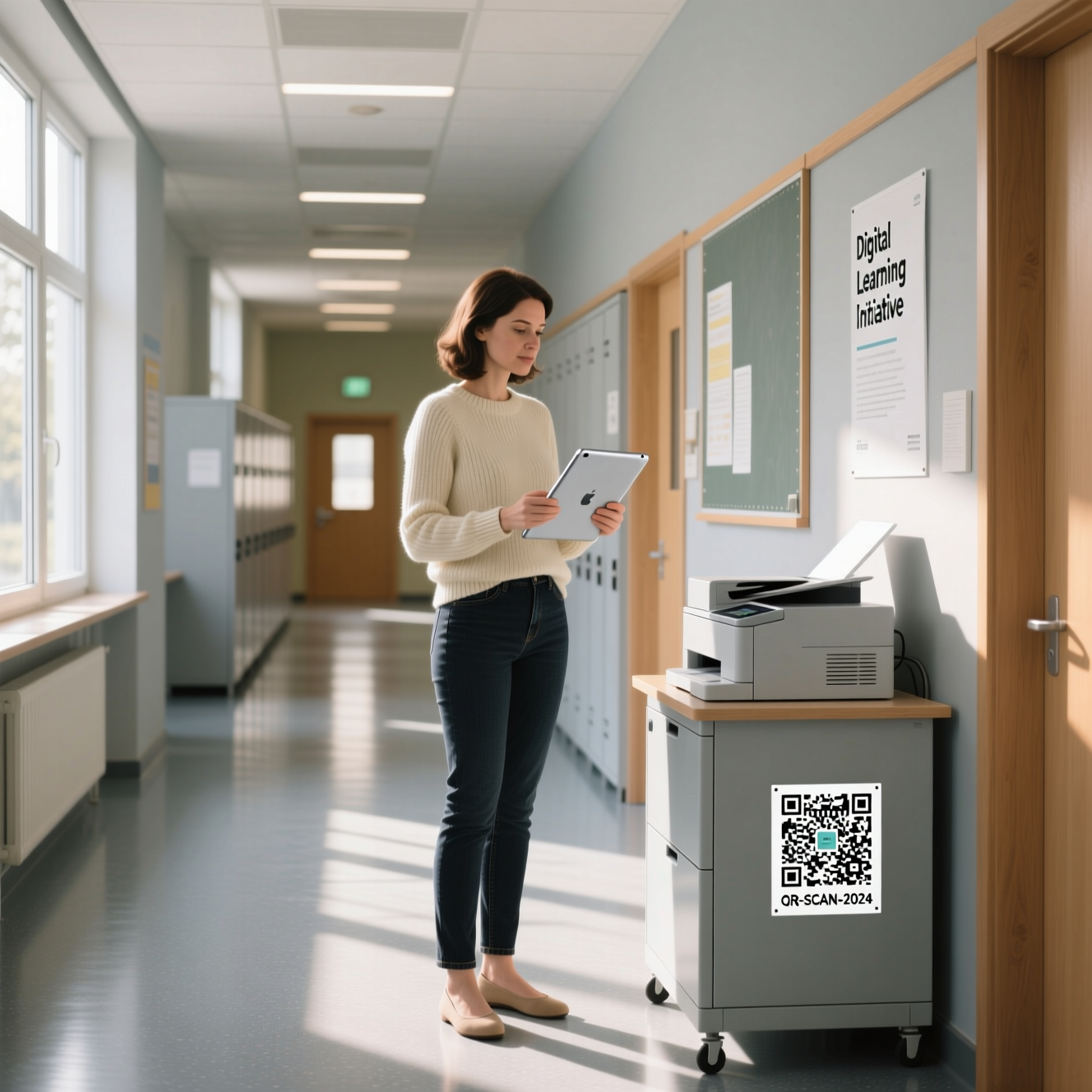
Ms Schneider prepares her lessons at home on her iPad: worksheets in GoodNotes, PDFs, a few pictures. Printing at school used to be the tedious part. Not any more!
She simply taps “Share → Follow’2’Print”. When she arrives at school in the morning, she goes to any printer, scans the QR code, authenticates – and printing starts. Alternatively, she selects the printer in the Follow'2'Print app.
This works without driver chaos and across vendors for all devices, thanks to our patented solution for printing without printer drivers. Whether worksheets, tests or letters to parents: Ms Schneider only decides at the device what she actually prints – exactly when she needs it.
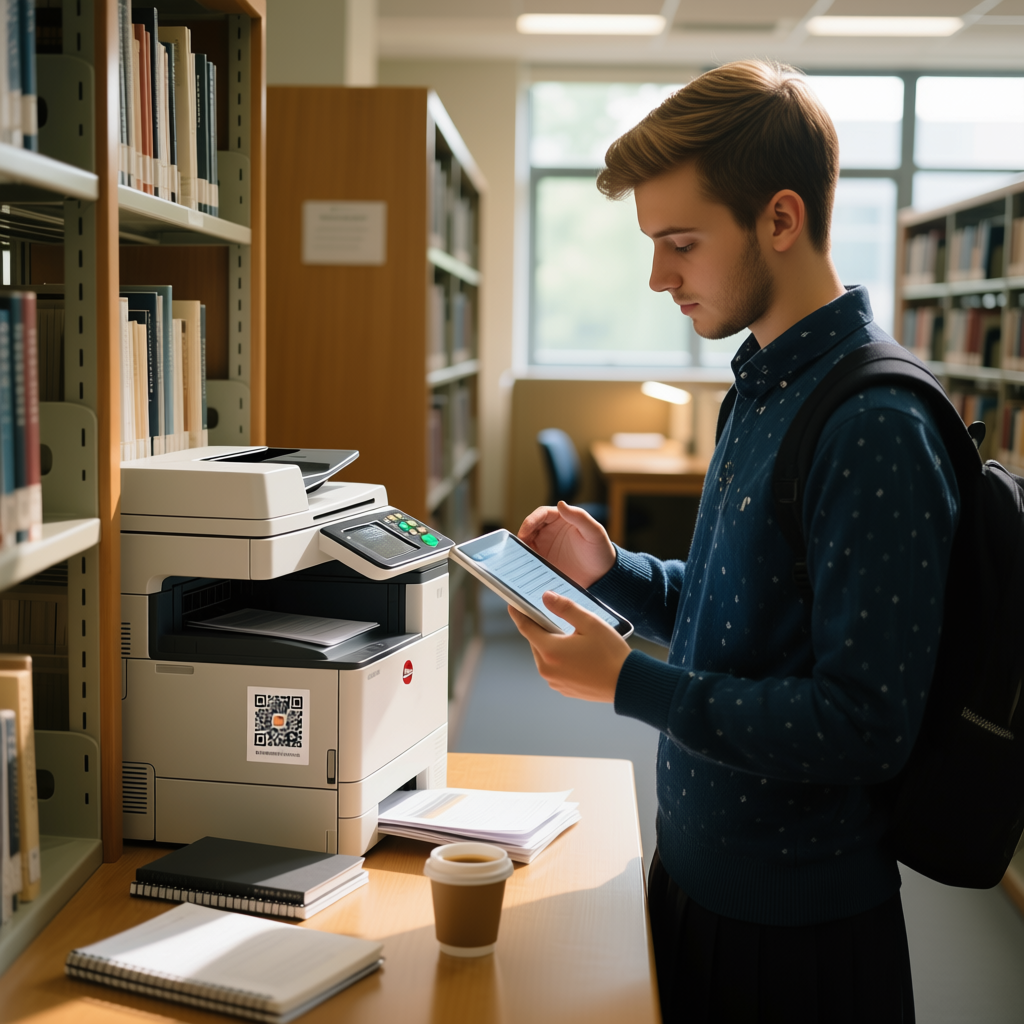
Faster together: share a document with colleagues and they collect it themselves. Pupils can also print materials themselves – simply at an MFP or printer in the library or the school office.
Result: fewer hurdles, more teaching. Preparation at home, secure printing at school – as simple as it always should have been.
Download the mobile app for free now!
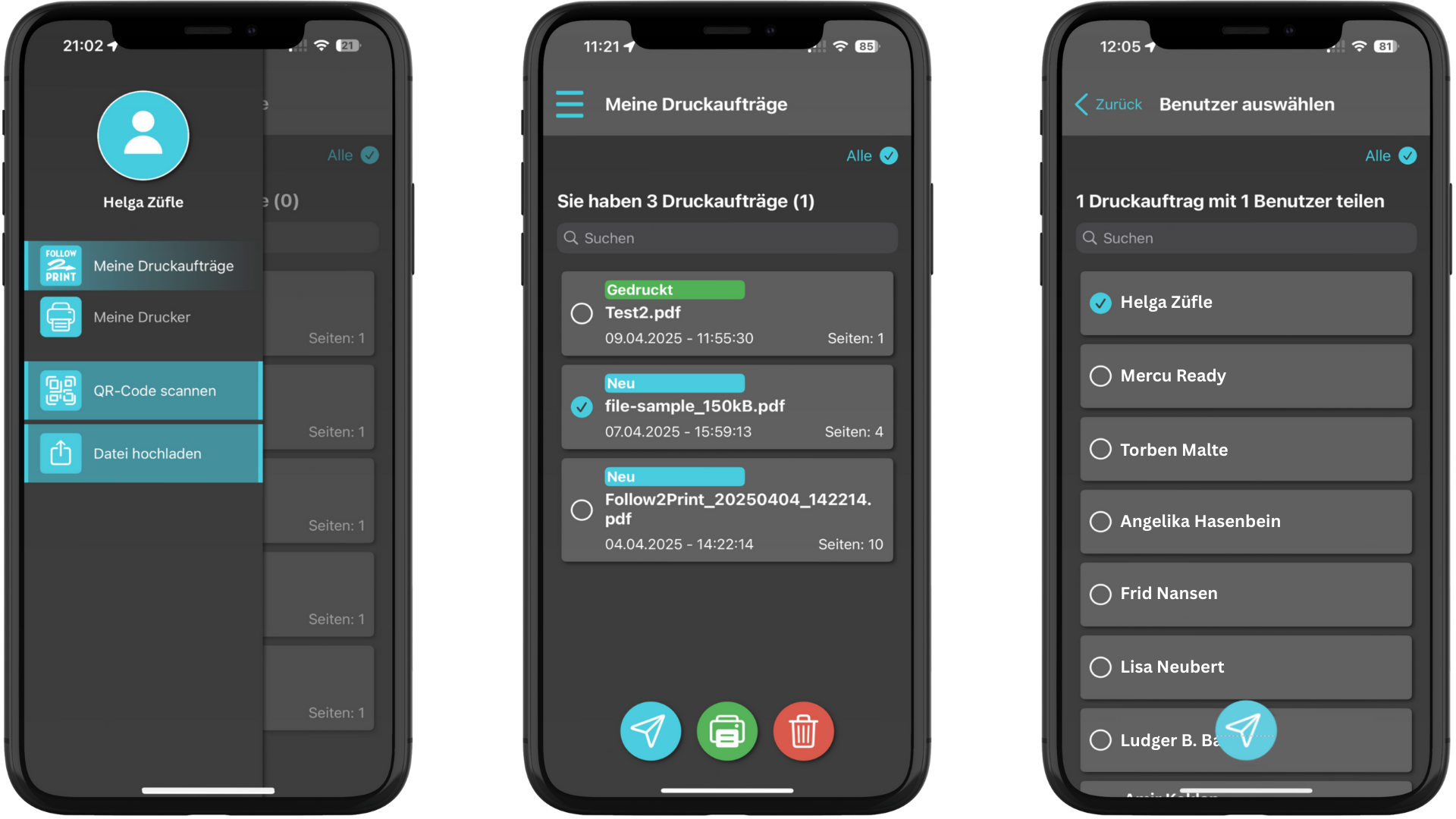
How it works:
- Send: on the iPad, in any app, via Share → Follow’2’Print.
- Sign in: at school, scan the QR code on the printer or select the printer in the app.
- Print: driverless, across vendors, exactly where you are standing.
For IT – the facts at a glance:
- Document data does not go to the cloud, but directly from the device to the storage in the school network (a Windows VM is sufficient).
- Communication & sign-in (e.g. OAuth2) run via the certified docuFORM Cloud hosted in Germany.
- No VPN needed!
- Global Printer Client on the storage: driverless, across vendors, for every printer (MFP optional).
- QR codes per printer; alternatively selection by location/properties in the mobile app or via an app directly on the MFP.
- Cross-platform: apps for iPad/iPhone & macOS, plus PDF uploaders for Windows and Linux.
- Optional: AD or Entra ID integration
- Including Share'2'Print for sharing with colleagues/pupils.