Follow'2'Print Serverless
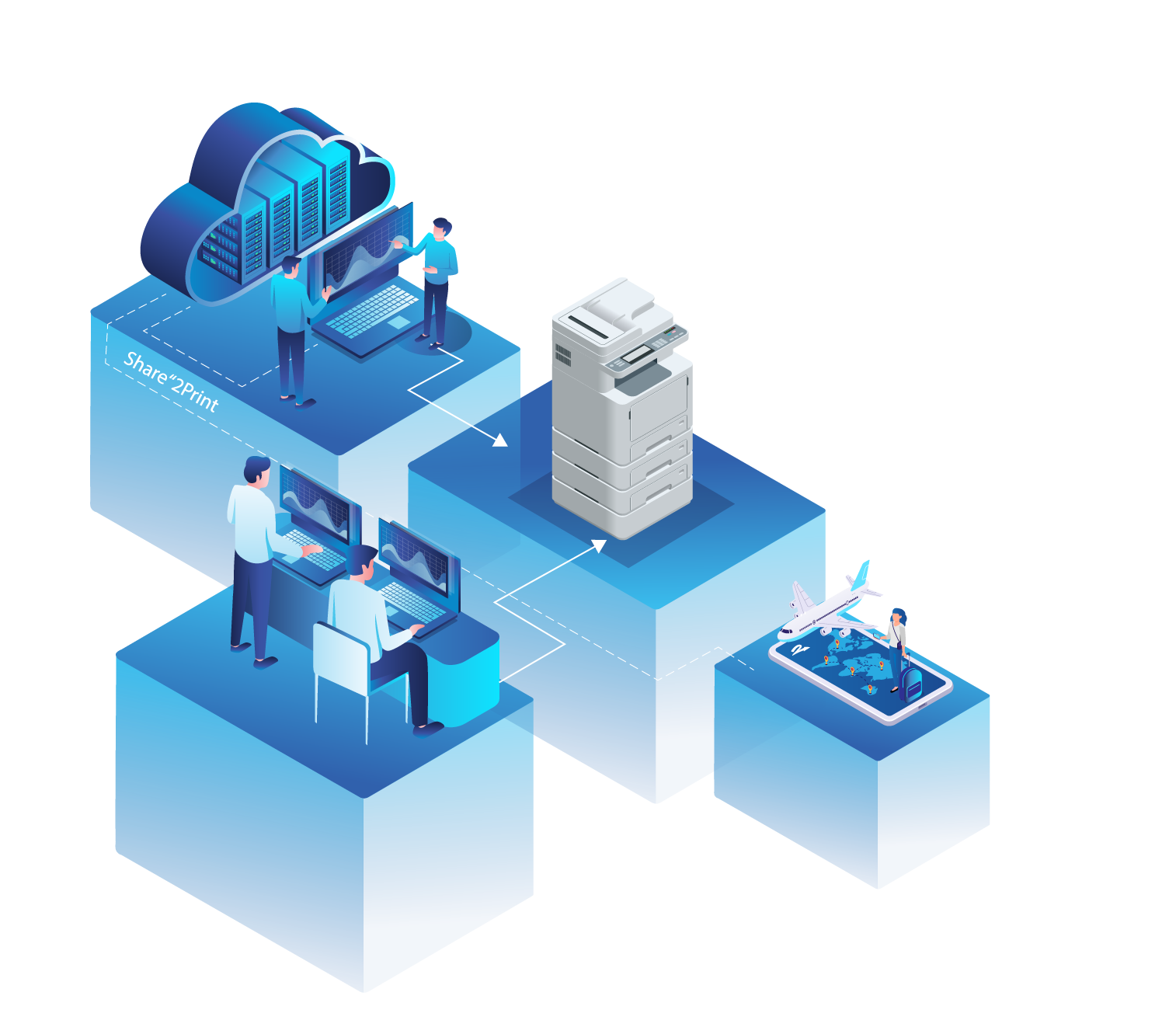
Mercury Cloud Server MCS
Central control and configuration are handled by the Mercury Cloud Server (MCS), which is operated by docuFORM in a German data center and provided as part of a Software-as-a-Service (SaaS) model. This is where users, permissions, printer assignments, profiles, and workstation configurations are managed—regardless of location. The MCS communicates with the GPC via secure protocols (OAuth2, REST API, MQTT via port 443).
Direct print serverless
The Global Printer Client (GPC) is installed on every Windows workstation and creates print-ready data tailored to the respective output system. It automatically detects available printers, makes them available to the user, and handles sending the print job - directly to the printer or for later pickup.
Follow'2'Print Serverless
With serverless Follow'2'Print, print jobs are cached locally on the respective endpoint device until the user releases them at the desired print system. Requirement: The client must be online at the time of pickup. For more flexibility, a central storage can alternatively be used - see hybrid model.
Mobile App
Benefits at a glance:
- No central infrastructure required: Ideal for small locations or decentralized organizations.
- No print servers, no maintenance: The GPC handles all tasks locally on the client.
- Easily scalable: New workstations can be integrated without server setup.
- Cloud-controlled: The Mercury Cloud Server (MCS) manages users, printers, and permissions.
- Flexible Follow'2'Print usage: Print jobs are stored locally until they are picked up.
- Full control with minimal effort: Perfect solution for cost-sensitive and agile environments.
⚠ Note on limitations without storage:
Since Follow'2'Print jobs are stored on the client, it must be active at the time of retrieval. If users print from different devices or work mobile, the use of a central GPC storage is recommended - see hybrid model.